Skip to content

How-to Guides

Step-by-step walkthroughs: text to video, image to video, photo restoration, multi-view shots and real estate tours, with the settings that get it right.

How to Create AI Video That Actually Looks Right

How-to Guides

How to Create AI Video That Actually Looks Right

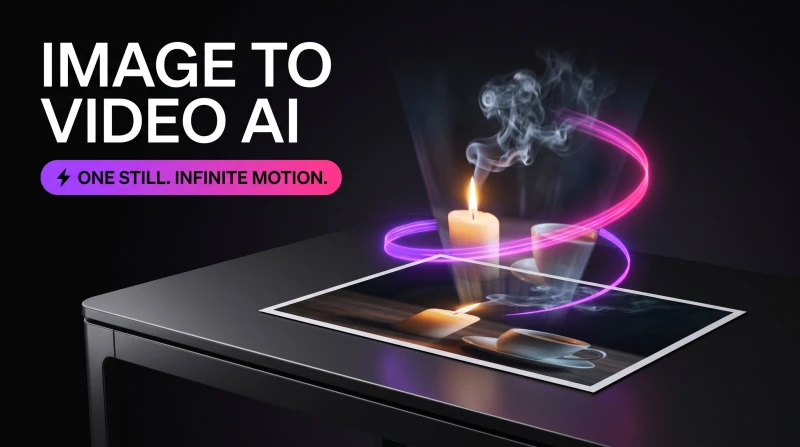
Create AI video that holds up: pick text-to-video or image-to-video, write prompts that generate real motion, extend clips past the shot-length limit, and fix rough footage with an AI video enhancer.

Sep 6, 2026 · 8 min read
How to Make a Sticker From a Photo in Minutes

How-to Guides

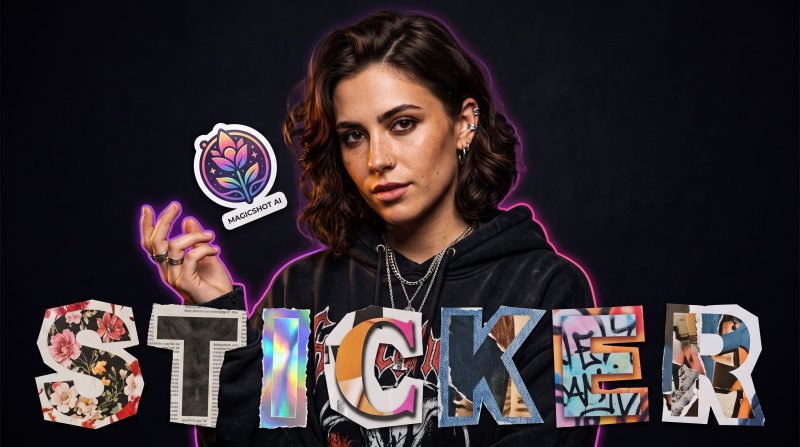
How to Make a Sticker From a Photo in Minutes

Turn a selfie, a pet, or a product shot into a die-cut sticker without a designer or Photoshop skills. Here's the exact workflow, plus tips for clean edges and sharp prints.

Aug 8, 2026 · 9 min read

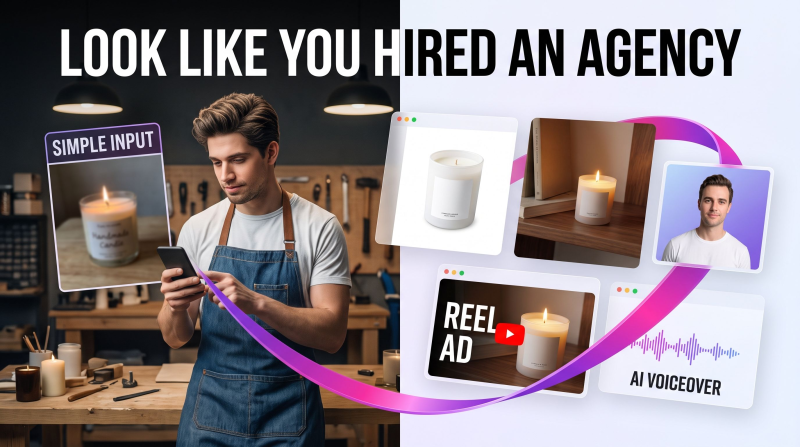
Small Business Marketing That Looks Like You Hired an Agency

How-to Guides

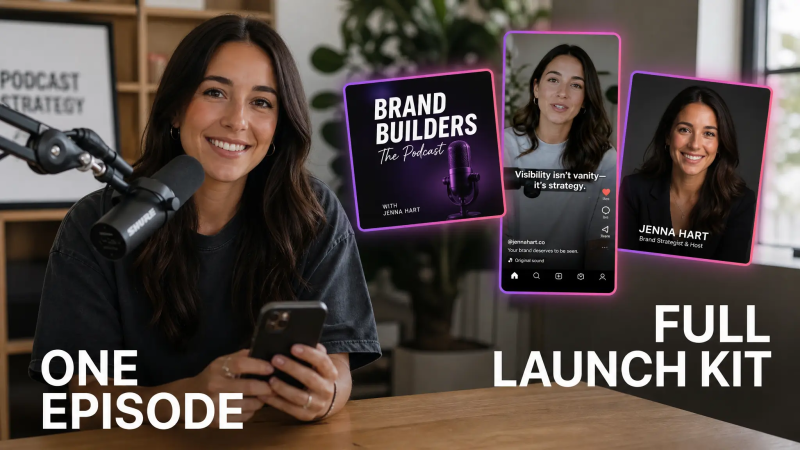
Small Business Marketing That Looks Like You Hired an Agency

You don't need a $3,000 agency retainer to look like a real brand. Here's the DIY workflow for small business marketing: product photos, headshots, video, and sound that read as hired-out, using AI tools you run yourself.

Jul 28, 2026 · 8 min read

multi view image generator

How-to Guides

Multi View Image: Turn One Photo Into Every Angle

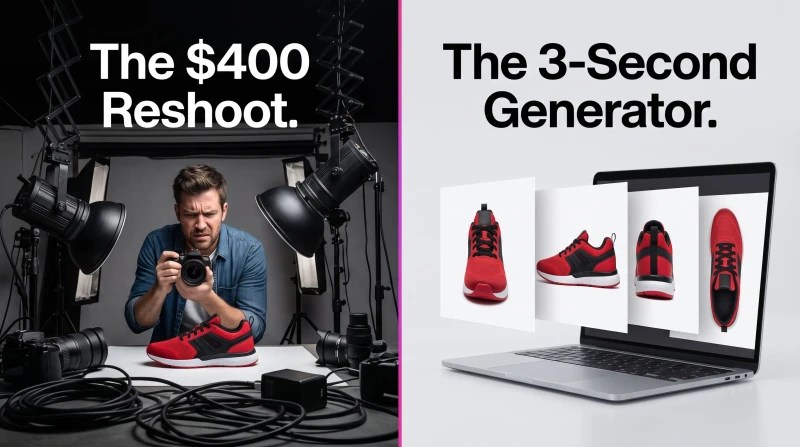
Turn a single photo into front, side, and back views in seconds. Here is how to use a multi view image generator for products, portraits, and character design without a reshoot.

Jul 19, 2026 · 10 min read

AI Wedding Photos Generator

How-to Guides

AI Wedding Photos Generator: Perfect Portraits in Seconds

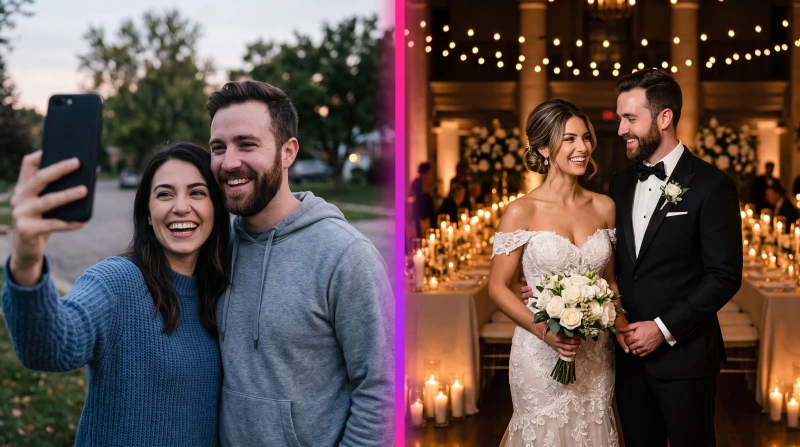
A wedding photos generator turns your uploads into polished bridal portraits in seconds. Here's how the MagicShot AI wedding photoshoot works, what it's good at, and how to get frames you'd actually print.

Jul 14, 2026 · 9 min read

Blog FAQ

Hands-on tutorials, creative tips and inspiration for making AI images, video and voiceovers, plus prompts and workflows you can copy.

No. Our guides are written for everyone, from total beginners to pros, most can be completed in minutes inside the app.

We add new tutorials and creative breakdowns regularly. Check back often or start creating with the tools we cover.

Read it, then make it

Turn what you just learned into something real, start creating with MagicShot in seconds.