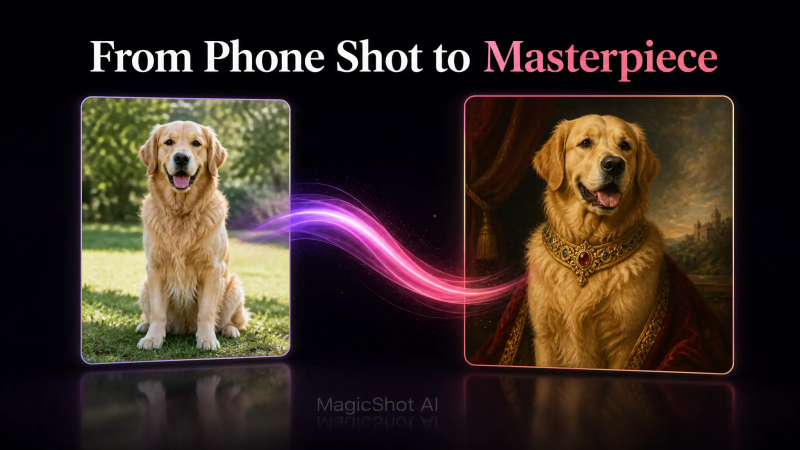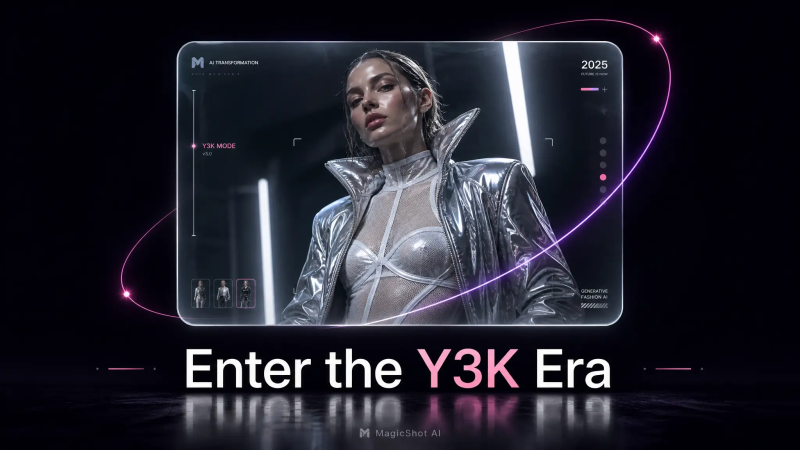

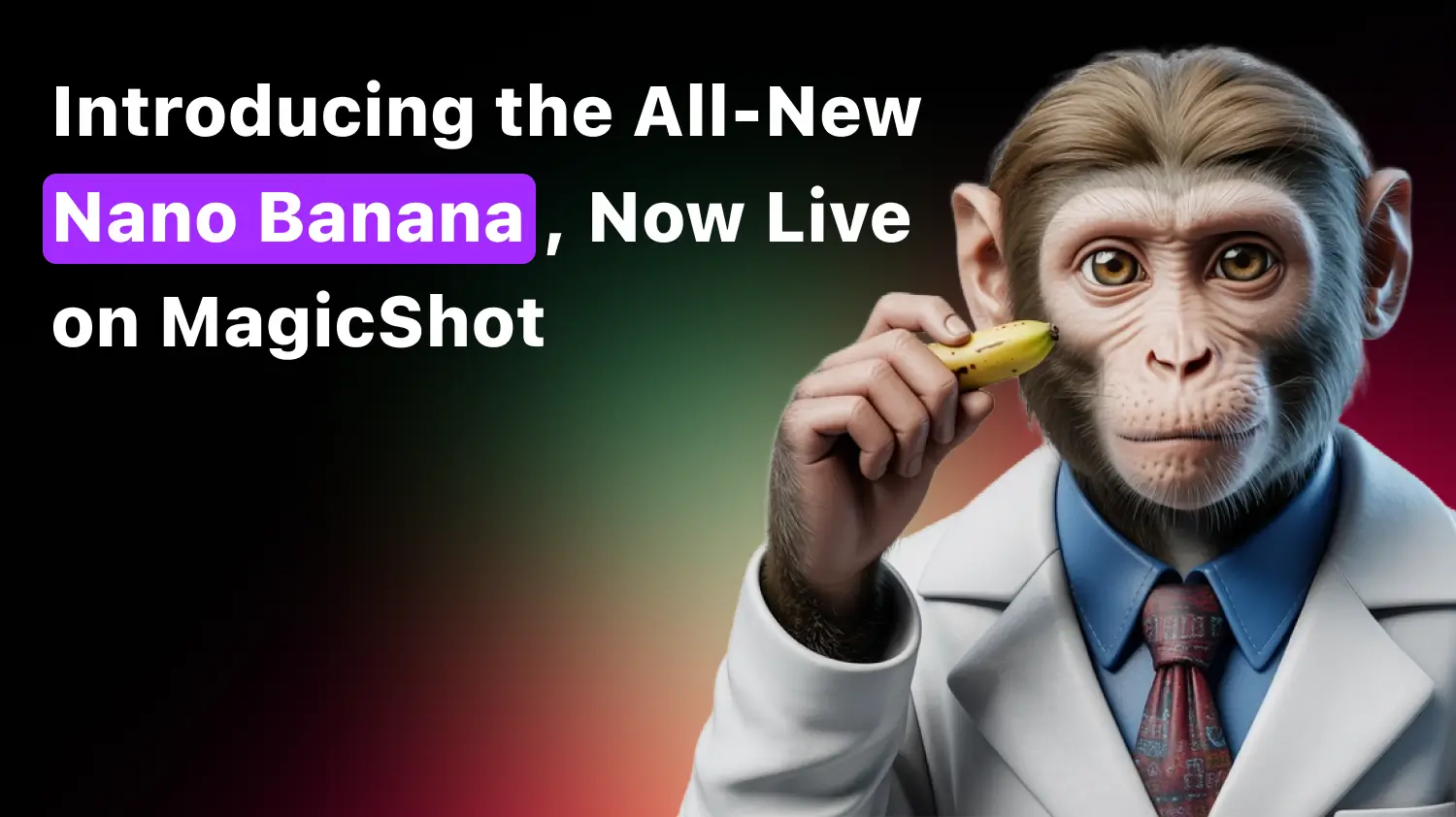
Welcome to a new era of AI-powered creativity with Nano Banana, Google’s latest and most intuitive image editing model. Whether you’re a designer, content creator, marketer, or casual user, Nano Banana allows you to edit images using natural language, completely transforming how you work with visuals. And now, you can use this cutting-edge technology directly on MagicShot.
What Is Nano Banana?
Nano Banana is Google’s newly launched AI image editing model that understands natural language instructions. Instead of manually selecting tools or making pixel-perfect selections, you can simply describe what you want—and it happens. Whether it’s removing an object, changing backgrounds, or adding new elements, Nano Banana responds with intelligent, layout-aware edits without needing masks or layers.
Why It’s a Big Deal
Edit Images by Describing Them
Just type what you want changed and watch it happen automatically.No More Need for Photoshop-Like Skills
Make professional-level edits without learning complex design tools.Works With Complex Compositions and Layered Layouts
Understands objects, lighting, and depth for smart, clean edits.Ultra-Fast Execution of Edits
Make changes in seconds without waiting or reloading.
Integrated Into MagicShot
We’ve brought the Nano Banana magic directly into your MagicShot experience. Use it seamlessly inside:
MagicShot’s Image Editing Tool
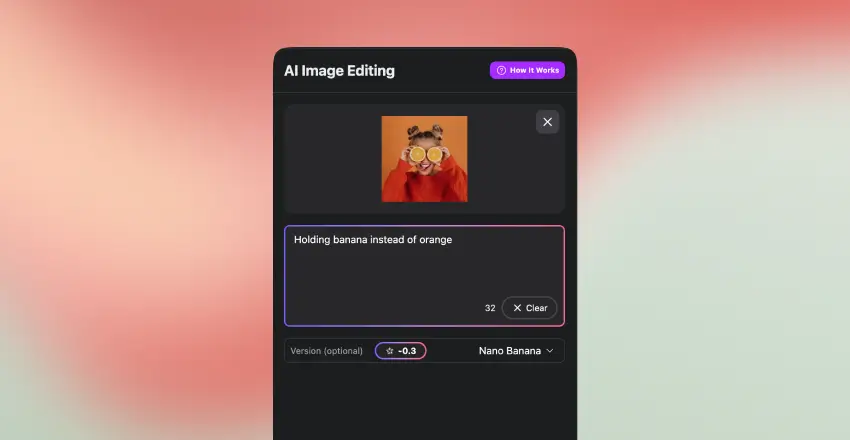
Upload your image.
Use the “Nano Banana” option.
Type your instructions, such as “Holding banana instead of orange,” “Add a sunset background,” or “Change dress color to red.”
Watch your image transform in seconds.
MagicShot Chat
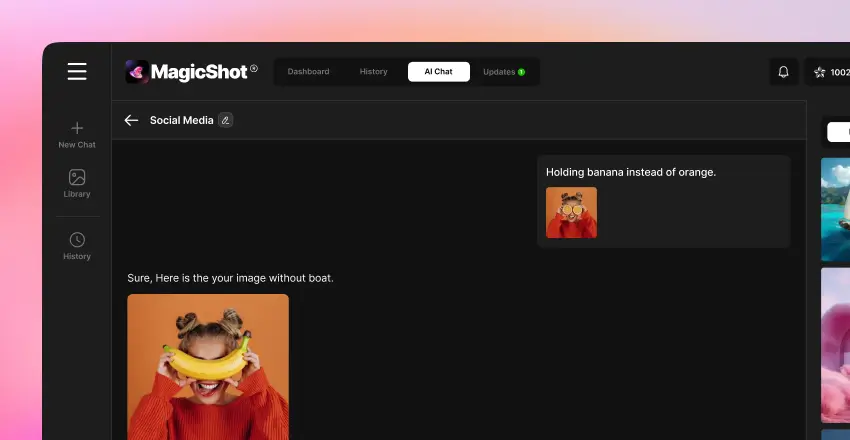
Just open the chat.
Upload an image or choose one from your history.
Say what you want changed, such as “Holding banana instead of orange.”
Chat instantly applies the edit using Nano Banana.
Why It’s So Easy to Use
No Complex Interface
You won’t deal with a cluttered UI or professional editing dashboard. Everything is simplified for speed and clarity.
No Brush or Layer Tools
Forget about confusing brushes, layers, or selections. There’s nothing complicated to learn—just pure editing power.
Just Describe Your Change and Nano Banana Interprets It
Type exactly what you want changed in your photo. The AI understands your instructions and transforms the image accordingly.
MagicShot Uses the Model Behind the Scenes and Delivers the Result Instantly
You don’t have to pick a tool or manage multiple processing steps. MagicShot runs Nano Banana in the background and gives you the final edit automatically.
Use Cases of Nano Banana Image Editing
Marketing Teams
Generate multiple ad versions or banner styles in minutes without needing a designer. Great for A/B testing or running localized campaigns with visual tweaks.
E-Commerce Brands
Update product images by changing backgrounds, fixing packaging issues, or removing unwanted elements such as outdated branding.
Content Creators
Enhance YouTube thumbnails or Instagram photos with quick edits. Add depth, emotion, or fun details that help your content stand out.
Students
Make visual content for school projects look polished and creative. Easily replace images, add illustrations, or highlight important information.
Photo Retouching
Smooth out skin, apply virtual makeup, change clothing styles, or remove small imperfections to create professional-looking portraits.
Memes and Fun Edits
Easily swap faces, insert funny props, or remix visuals to create personalized content that stands out.
World-Class Use Case Inspirations
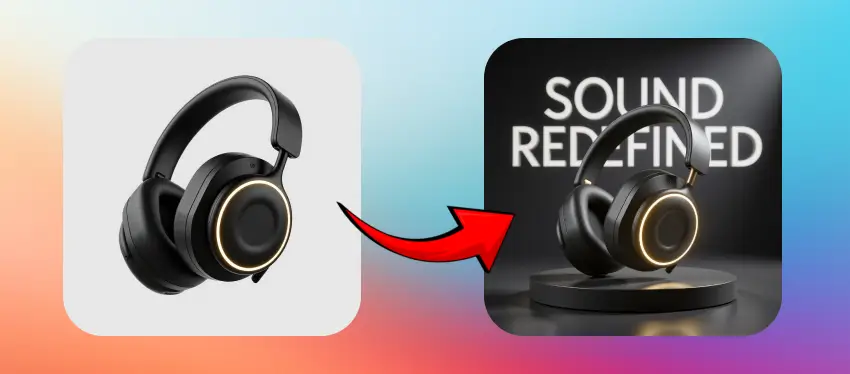
1. Headphone Transformation with Nano Banana
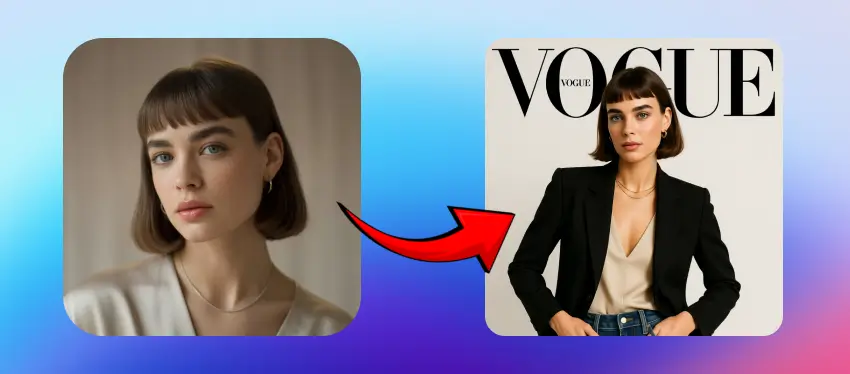
2. Vogue Model Transformation with Nano Banana
Take Control with AI Image Editing
Want even more control? Our AI Image Editing with Nano Banana tool allows you to not only use Nano Banana but also manually refine areas, remove unwanted elements, and edit anything with just clicks and brush tools. It’s the best of both worlds.
Final Thoughts
Nano Banana is a breakthrough in image editing, and now with MagicShot integration, it’s never been easier to retouch or enhance images. Whether you’re in marketing, design, e-commerce, or simply love visual creativity—it’s time to ditch the clicks and talk your way to better visuals.