Why Use AI for Tattoo Design?
With so many styles, shapes, and sizes to consider, choosing the right tattoo can feel overwhelming. AI tattoo tools simplify the process, offering endless design possibilities that fit your body and personality. If you’ve ever wanted to design a tattoo but didn’t know where to start, an AI tattoo generator can help turn your vision into reality.Step 1: Choosing the Right AI Tattoo Tool
Not all AI tattoo tools are created equal. Each tool offers unique features, so it’s important to select the one that best suits your needs. Here are a few popular options:- General-Purpose Tools: These tools allow you to experiment with a wide range of styles, from traditional to abstract.
- Creative Tools: These tools offer more advanced customization options, letting you add personal touches to your design.
- Theme-Based Tools: These tools generate designs based on specific themes or ideas, such as nature, mythology, or pop culture.
Step 2: How to Use an AI Tattoo Generator
Using an AI tattoo generator is simple. Most tools walk you through the steps, but here’s a quick guide:- Choose a style: Think about what style you want, tribal, minimalist, realistic, watercolor, or abstract. This helps the AI tool provide designs that match your vibe.
- Select a placement: Want it on your wrist, back, or shoulder? Many AI tattoo generators allow you to preview the design on specific body parts, helping you imagine the final look.
- Upload a photo (optional): If you want a tattoo based on a specific image or a blend of personal photos, go for an AI tattoo generator from photo. Uploading a photo can help the tool understand your idea better, transforming your personal images into tattoo-style art.
- Explore options: Most AI tattoo creators offer dozens or even hundreds of design options. Take your time exploring the results. Save a few of your favorites so you can compare later.
- Make customizations: Want to tweak the design? Some tools let you adjust details like shading, color, or line thickness to create the perfect tattoo.
Benefits of Using an AI Tattoo Design Generator
So, why should you use an AI tattoo design generator? Here are some perks:- Endless creativity: AI generates unique designs that you may not have thought of on your own.
- Save time: Rather than searching through hundreds of tattoo images, AI can quickly suggest designs based on your preferences.
- See before you commit: Using an AI tattoo generator from a photo lets you preview the tattoo in the exact placement you want.
- Budget-friendly: Instead of consulting a tattoo artist multiple times, you can try different designs for free.
Best AI Tattoo Generator to Try
Dive into the world of AI-powered tattoo design with these incredible sites, each offering unique features to bring your vision to life:- ImagineMe: lets you experiment with various tattoo styles, sizes, and placements virtually. You can use your generated art as a social media profile picture or a gaming avatar.
- BlackInk AI: It is a free tool that generates unique tattoo ideas in seconds. Try on your designs before committing and connect with a community of over 500,000 users.
- TattooSai: It allows you to input your ideas and select a style to generate a personalized tattoo design.
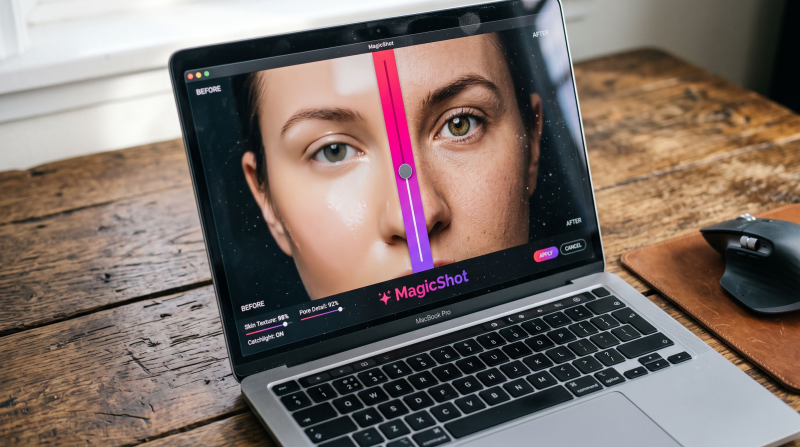
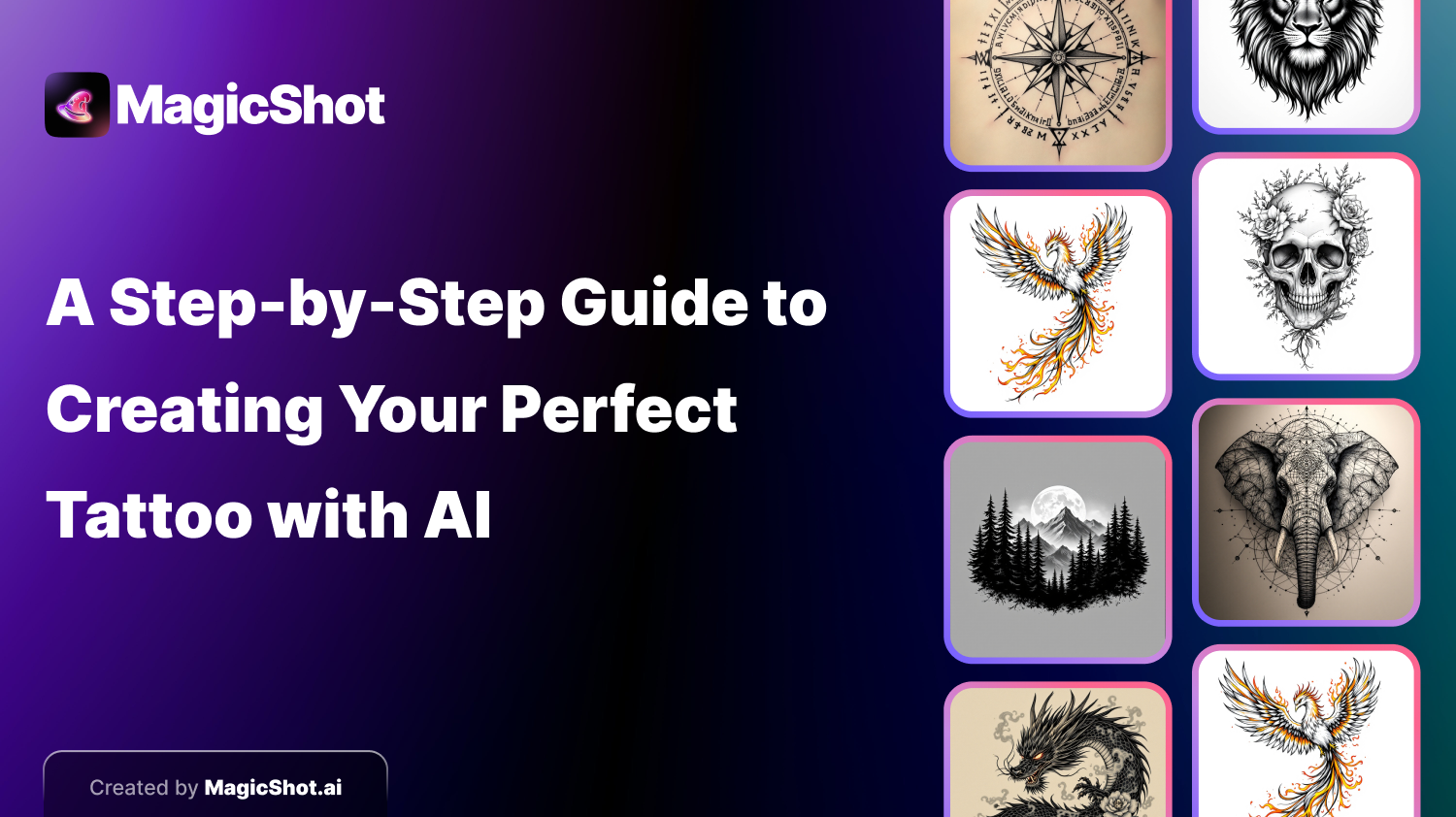
- MagicShot.ai: focuses on creating realistic tattoo mockups on your photos. Upload a picture of yourself and see how the tattoo would look on your skin.
Using AI to Design Tattoos with a Personal Touch
One of the best parts of using an AI tattoo creator is that you get to be part of the design process. It’s your body, your canvas, and these AI tools let you bring your personal touch to every tattoo. If you’ve ever had a hard time describing your idea to a tattoo artist, AI can help you visualize it, ensuring you’re on the same page. For instance, say you have a photo of a loved one, pet, or place that holds special meaning. Using an AI tattoo generator from a photo, you can transform that photo into a tattoo design. The AI takes inspiration from the image, adapting it to a style that fits the look you want.Finding the Perfect Tattoo with AI
If you’re wondering how to go from an idea to a tattoo you love, here’s a basic workflow:- Get inspired: Browse tattoo styles and think about what resonates with you. AI tools often come with example designs to spark ideas.
- Visualize it: Use the best AI tattoo generator app that allows you to try out placements and sizes. Seeing the tattoo on your body is a game-changer.
- Personalize: Tweak the design until it feels just right. Experiment with colors, line work, and shading.
- Talk to a tattoo artist: Once you’ve created a design you love, show it to a professional tattoo artist. They can help bring your design to life, adding final touches or adjustments for the perfect result.
A Few Tips for Getting Started with AI Tattoo Makers
Using an AI tattoo maker is easy, but these tips will help you get the best results:- Be specific with your inputs: The more details you provide, the closer the AI will get to your dream design. If you’re into geometric tattoos, let the app know!
- Use high-quality photos: If you’re uploading a photo, choose one with good lighting and clear details. This helps the AI create a more accurate tattoo design.
- Experiment: Don’t settle on the first design you see. Explore different apps, play with colors, and try out various placements.
- Ask for feedback: Sometimes, showing your design to friends or family can offer fresh insights. They might notice something you missed!
Conclusion
The world of tattoos has evolved, and AI tattoo generator tools are changing how we approach tattoo design. Whether you’re just curious about a new tattoo or seriously considering a big piece, using a tattoo maker lets you explore options and personalize designs like never before. When you use an AI tattoo design generator, you’re not just looking at tattoos, you’re creating something that reflects who you are. So, dive into these AI tools, have fun with the designs, and bring your tattoo ideas to life. Who knows? You might find that the perfect tattoo was just a few clicks away. Happy tattoo designing!
Try Countless AI Image, Video, and Audio features on MagicShot.ai
Generate realistic photos of anything. Imagine, describe and create those images within seconds. Enhance your existing photos with our advanced AI engine.
Download App Now