Mastering Prompts for Your AI Photo Generator
Remember when generating images with AI felt like pure magic? You’d type a few words, hit enter, and out popped... well, something. Sometimes it was genius, sometimes it was a five-legged dog wearing a top hat. We’ve all been there, right? The truth is, while AI image generators are incredibly powerful tools, they’re not mind-readers. Getting that perfect image, the one that truly matches the picture in your head, isn’t just luck. It’s an art, and frankly, a science, of crafting effective prompts. Think of it as learning to speak a new, highly specific language. And if you’re using an
AI Photo Generator like MagicShot.ai, Flux, & Google Imagen, which boasts features like intuitive controls and high-fidelity output, mastering this language will unlock its full potential. So, how do you go from vague ideas to stunning visuals? Let’s break down 10 tips that will transform your prompting game.
1. Be Specific, Not Vague
This might seem obvious, but it’s where most people stumble. "A beautiful forest" will give you... a forest. But what kind of beautiful? "A dense, ancient forest at dawn, with mist rising from the moss-covered ground, giant ferns, and shafts of golden light filtering through a canopy of emerald leaves." Now
that’s a forest. The more detail you provide, the less the AI has to guess.

2. Embrace Adjectives and Adverbs
These are your descriptive powerhouses. Don’t just say "a dog." Say "a fluffy, mischievous golden retriever happily chasing a vibrant, red ball." Each descriptive word paints a clearer picture for the AI. Think about texture, color, mood, and action.
3. Specify the Style
This is crucial for setting the artistic direction. Do you want a photograph? A painting? A sketch? What kind of painting? "Oil painting," "watercolor," "cyberpunk art," "hyperrealistic," "concept art," "pencil sketch," "anime style", these terms guide the AI toward a particular aesthetic. Without a style, the AI defaults to its general understanding, which might not be what you envisioned.
4. Define the Composition and Framing
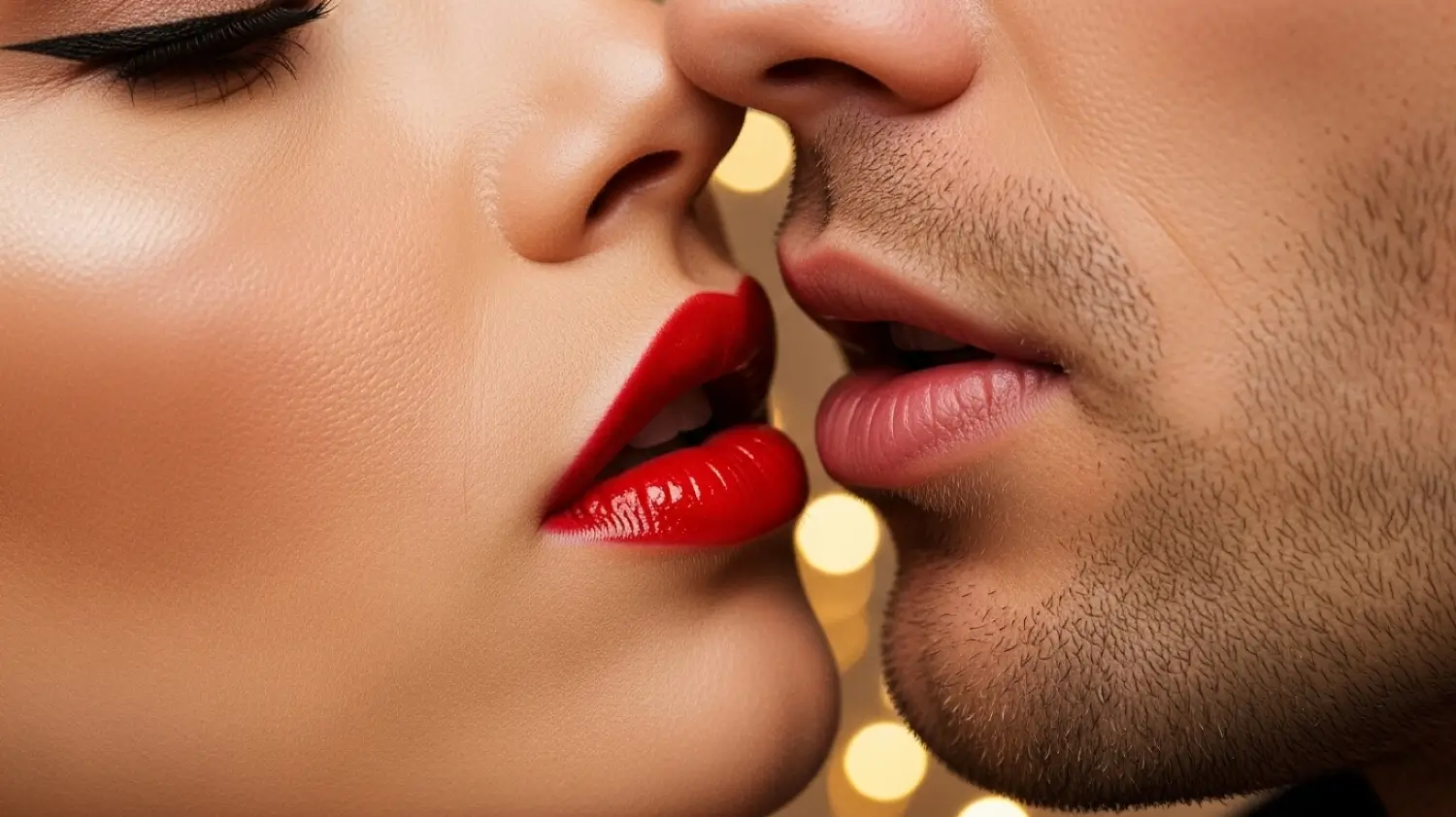
Where’s the subject? What’s the shot type? "Close-up of a face," "wide shot of a cityscape," "full body portrait," "overhead view," "from a low angle", these instructions help the AI frame the image correctly. It’s like directing a camera. Do you want a dramatic low angle or a sweeping panoramic? Tell it!
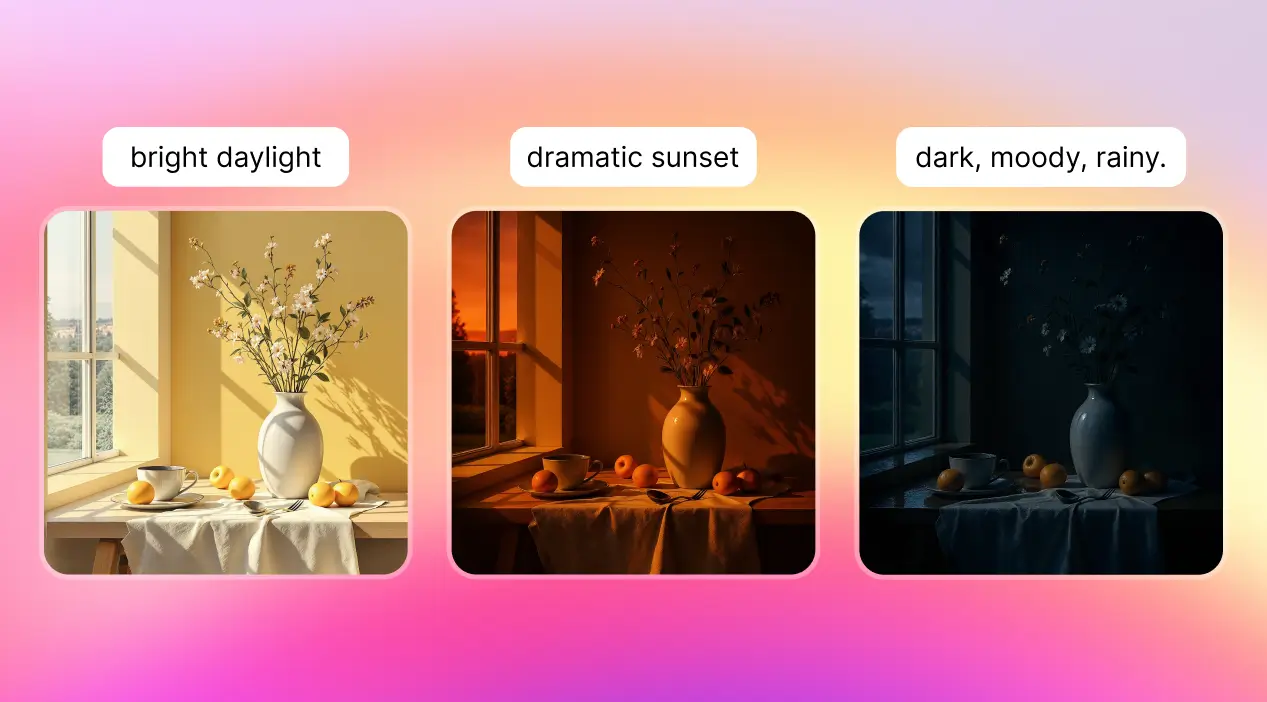
5. Think About Lighting and Atmosphere
Lighting dramatically changes the mood of an image. "Golden hour light," "noir lighting," "dramatic chiaroscuro," "soft diffused light," "stormy sky," "volumetric lighting", these aren’t just technical terms; they’re emotional cues. Atmosphere is similar: "gloomy," "joyful," "mysterious," "serene."
6. Use Negative Prompts (What NOT to Include)
This is an often-overlooked secret weapon. Sometimes it’s easier to tell the AI what you
don’t want. If your character keeps getting extra fingers, you might add
::no extra limbs, no deformed hands. If you want a clean image, try
::no watermark, no text, no blur. It helps the AI refine its output by explicitly excluding undesirable elements.
7. Prioritize Keywords (Using Weights)
Some AI generators allow you to assign weights to different parts of your prompt, usually with symbols like
:: or
^. This tells the AI which elements are more important. For instance,
a majestic dragon::2 flying over a medieval castle::1. This emphasizes the dragon over the castle. If your prompt isn’t quite hitting the mark, try adjusting the emphasis on key phrases.
8. Experiment with Artists or Art Movements
Want something that feels like a classic masterpiece? Try adding artist names or art movements. "In the style of Vincent van Gogh," "inspired by impressionism," "neo-futurist architecture." Be aware that this can sometimes lead to copyright concerns if you’re using it commercially, so always check the terms of your AI generator and consider fair use.
9. Iterate and Refine (It’s a Conversation!)
Think of prompting as a back-and-forth dialogue. Your first prompt is rarely perfect. Generate an image, see what works and what doesn’t, then adjust your prompt. Add more detail, remove confusing phrases, change the order of your keywords. It’s an iterative process, a conversation where you’re refining your instructions based on the AI’s "feedback." Don’t be afraid to tweak and re-roll.
10. Understand Your AI’s Strengths and Weaknesses
Every AI model has its quirks. Some are fantastic at realistic portraits but struggle with complex scenes. Others excel at abstract art but might produce wonky hands. Spend time experimenting with different models (if your generator offers them) and learn their unique biases and capabilities. For instance, if you’re using a specific
AI Photo Generator like MagicShot.ai, take a moment to really get a feel for what it excels at, maybe it’s stunning landscapes, or perhaps detailed character art. Knowing what your specific tool is good at will save you a lot of frustration and help you write prompts that play to its strengths. It’s like knowing your painter prefers oils over watercolors, you wouldn’t ask them for a watercolor portrait, would you?
Creative Loop of AI Photo Generator
Ultimately, writing effective prompts isn’t about rigid rules; it’s about clear communication and a willingness to experiment. It’s a creative loop: you imagine, you prompt, you generate, you learn, and you refine. The better you get at translating your thoughts into AI’s language, the more stunning and precise your creations will become.